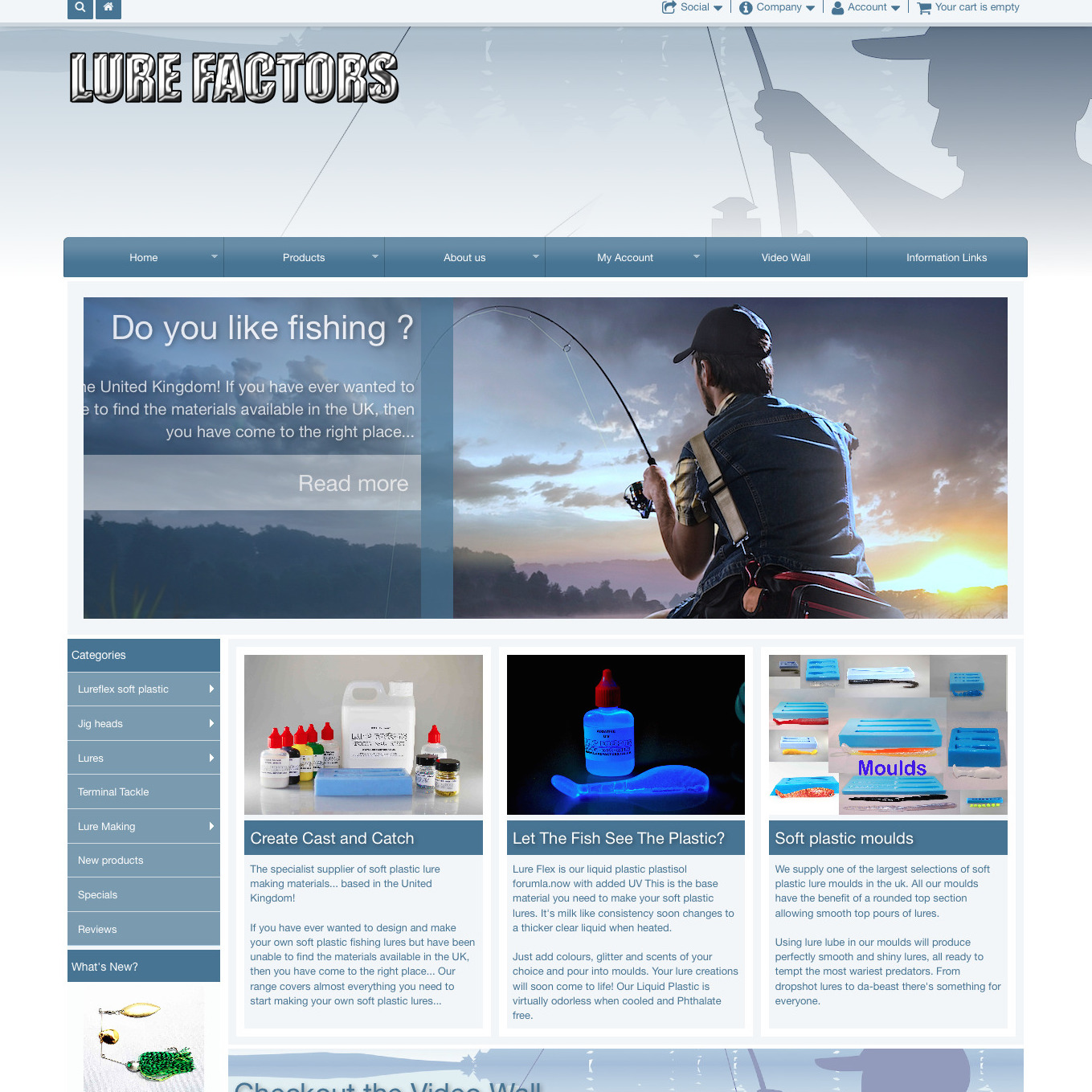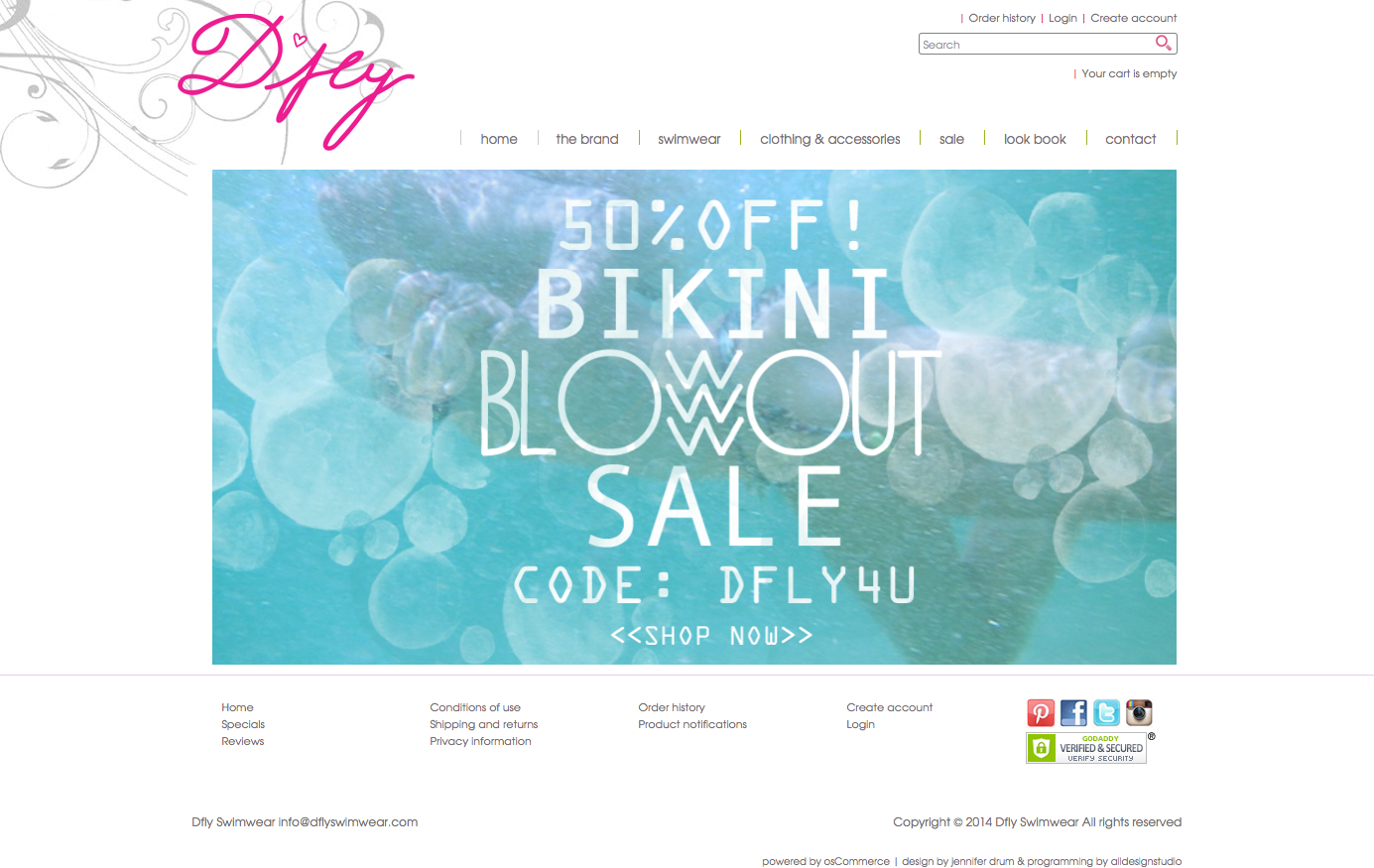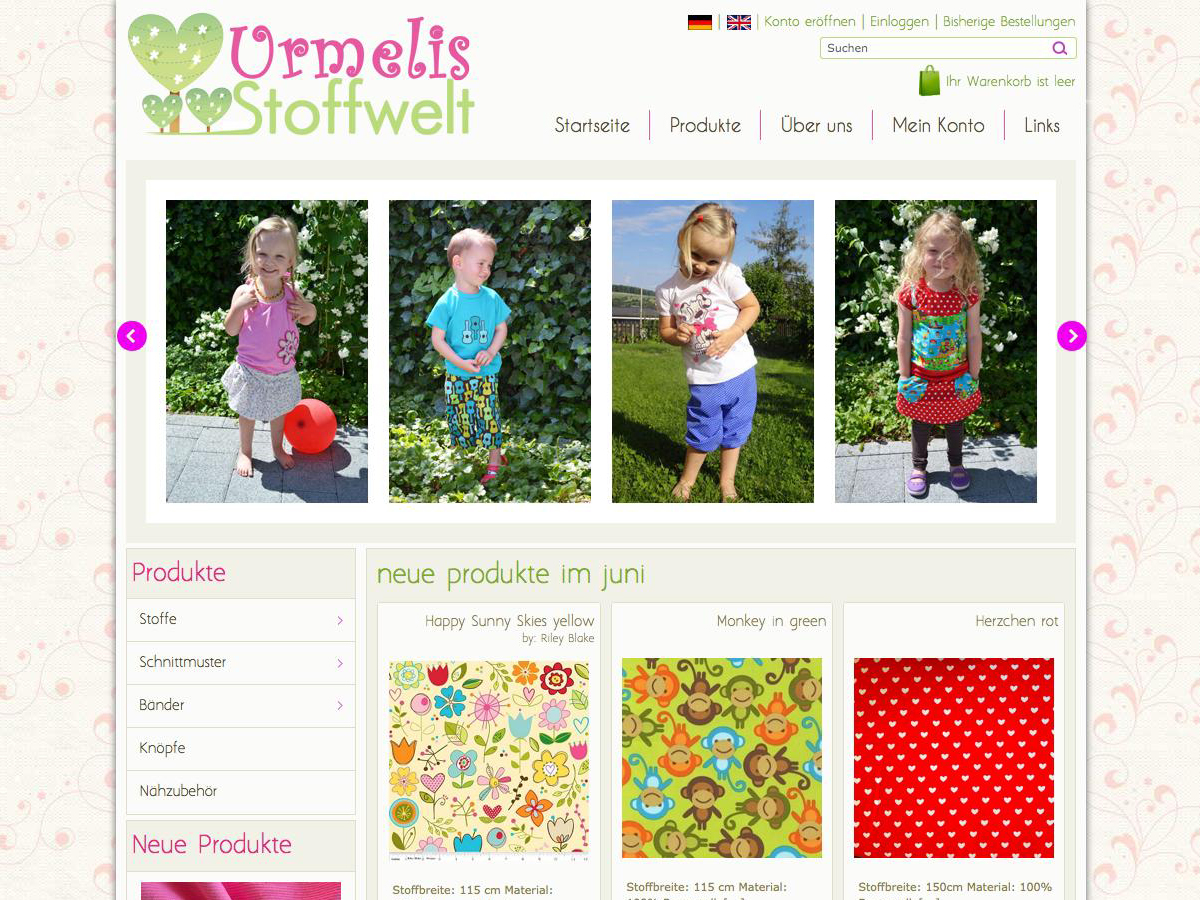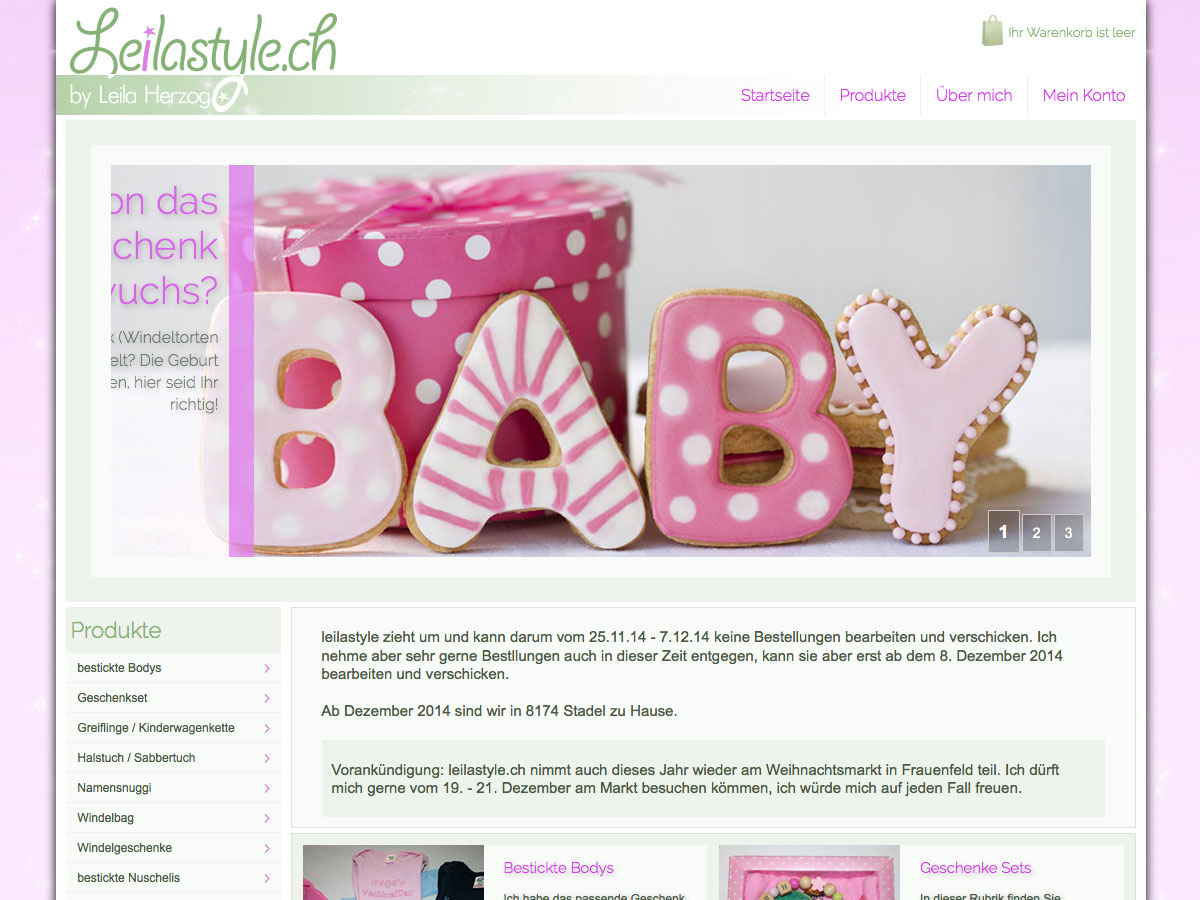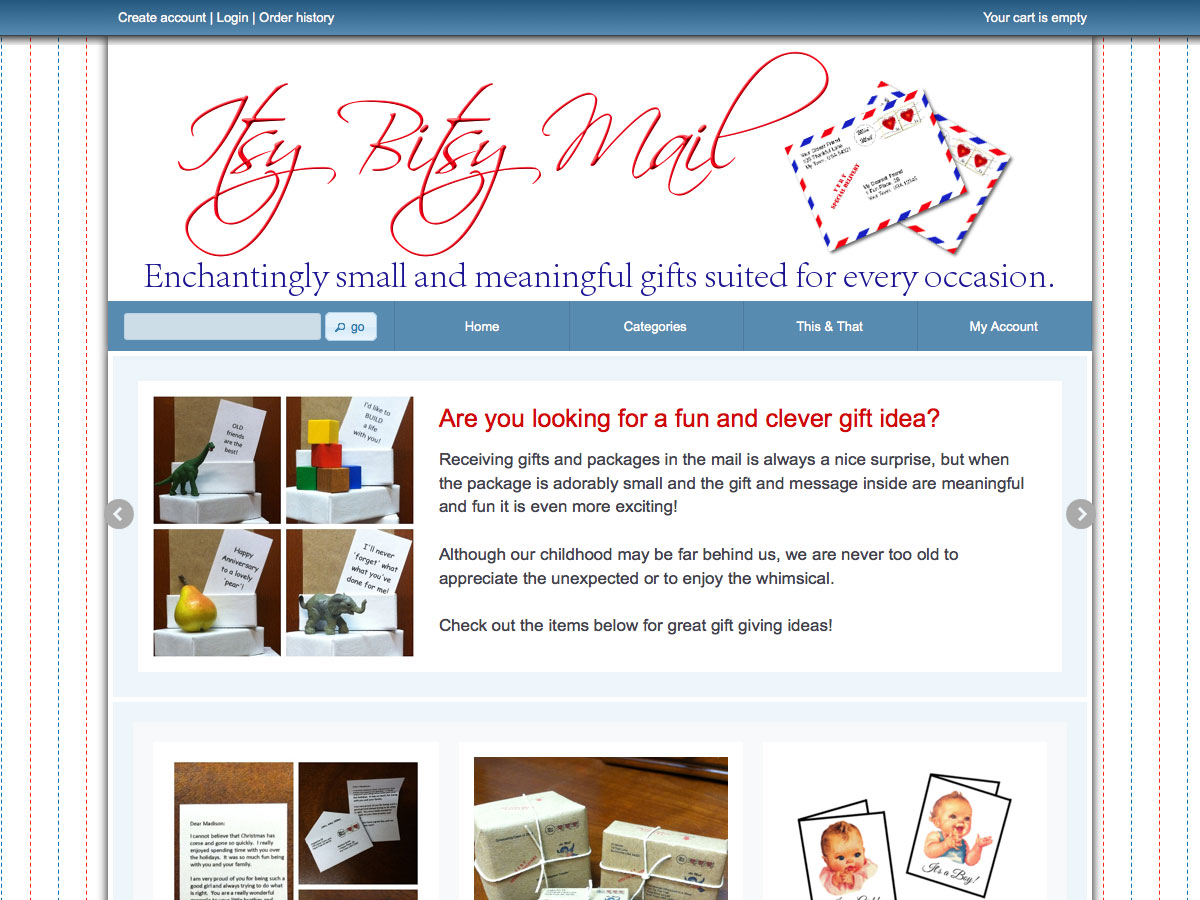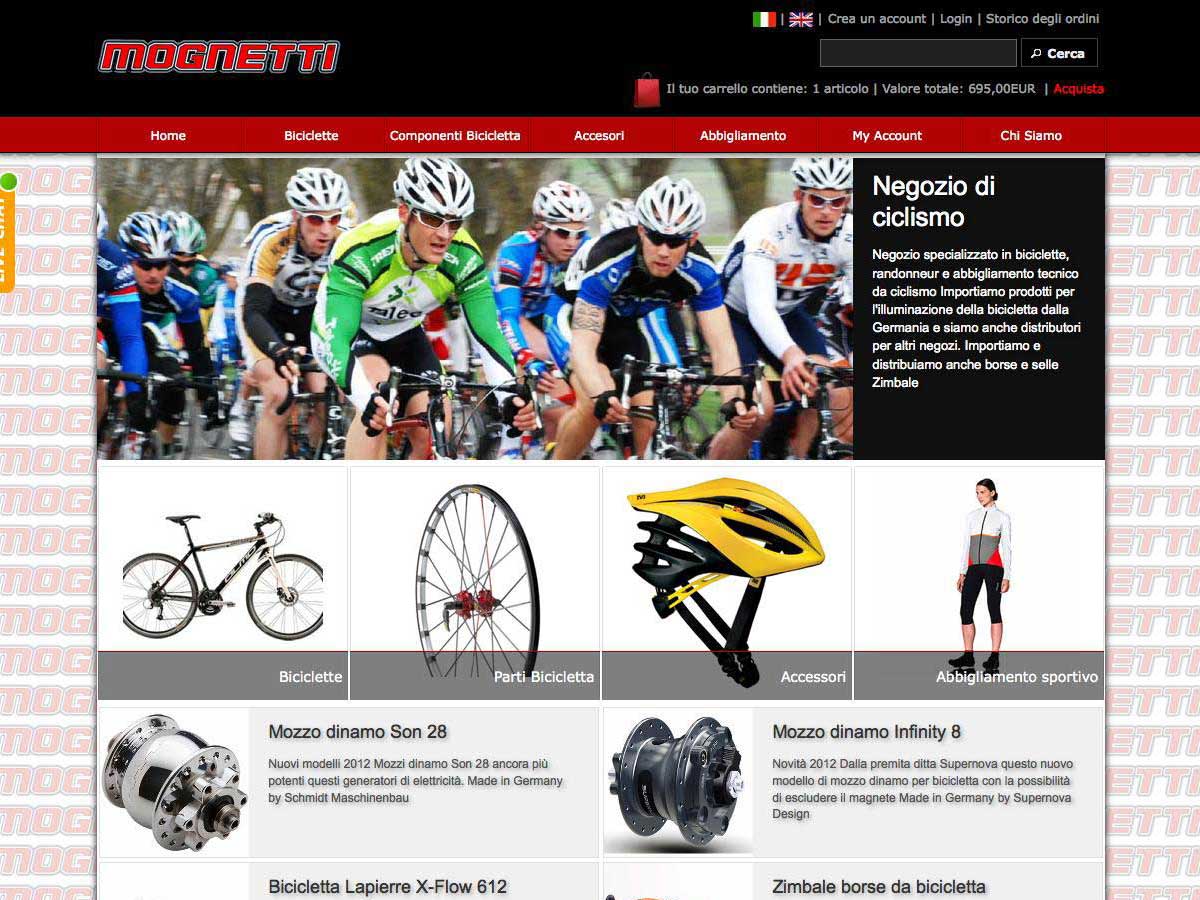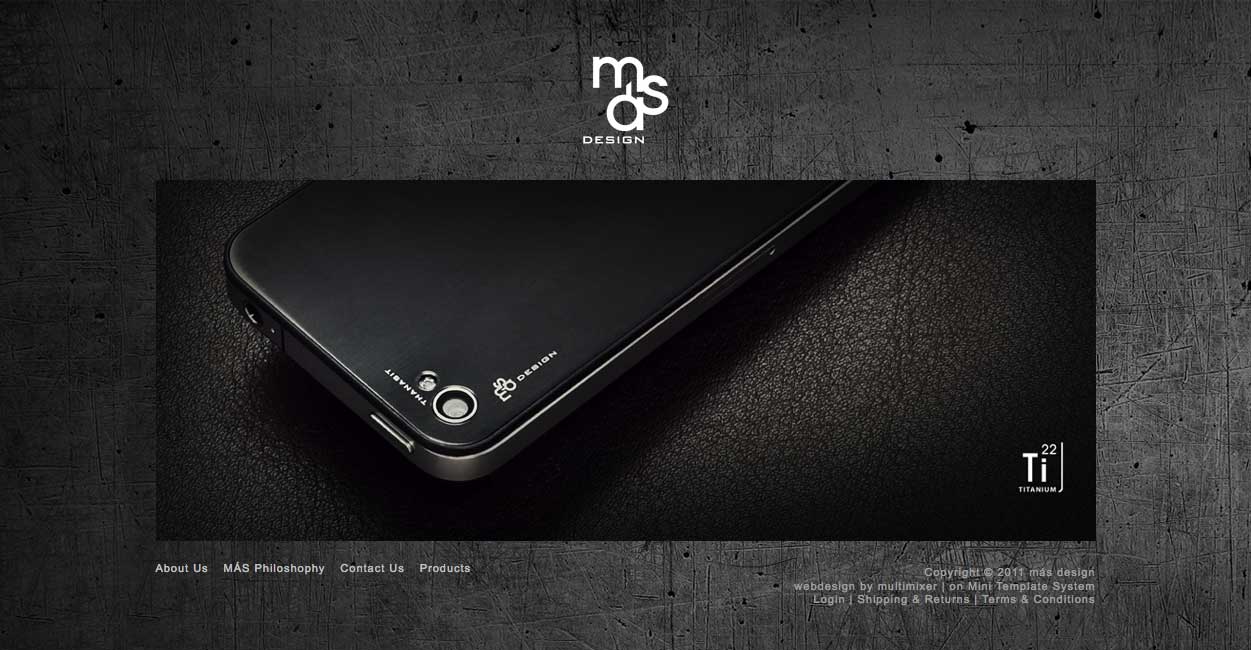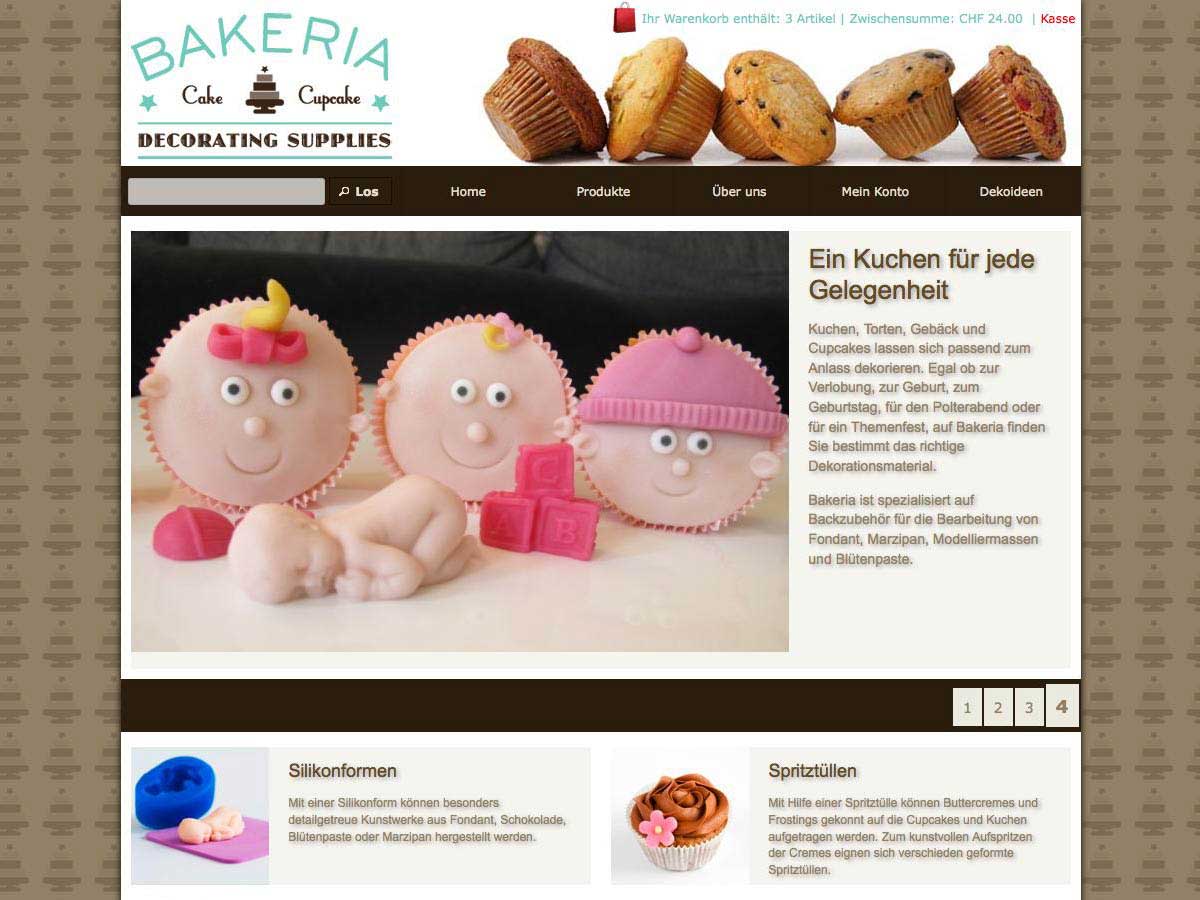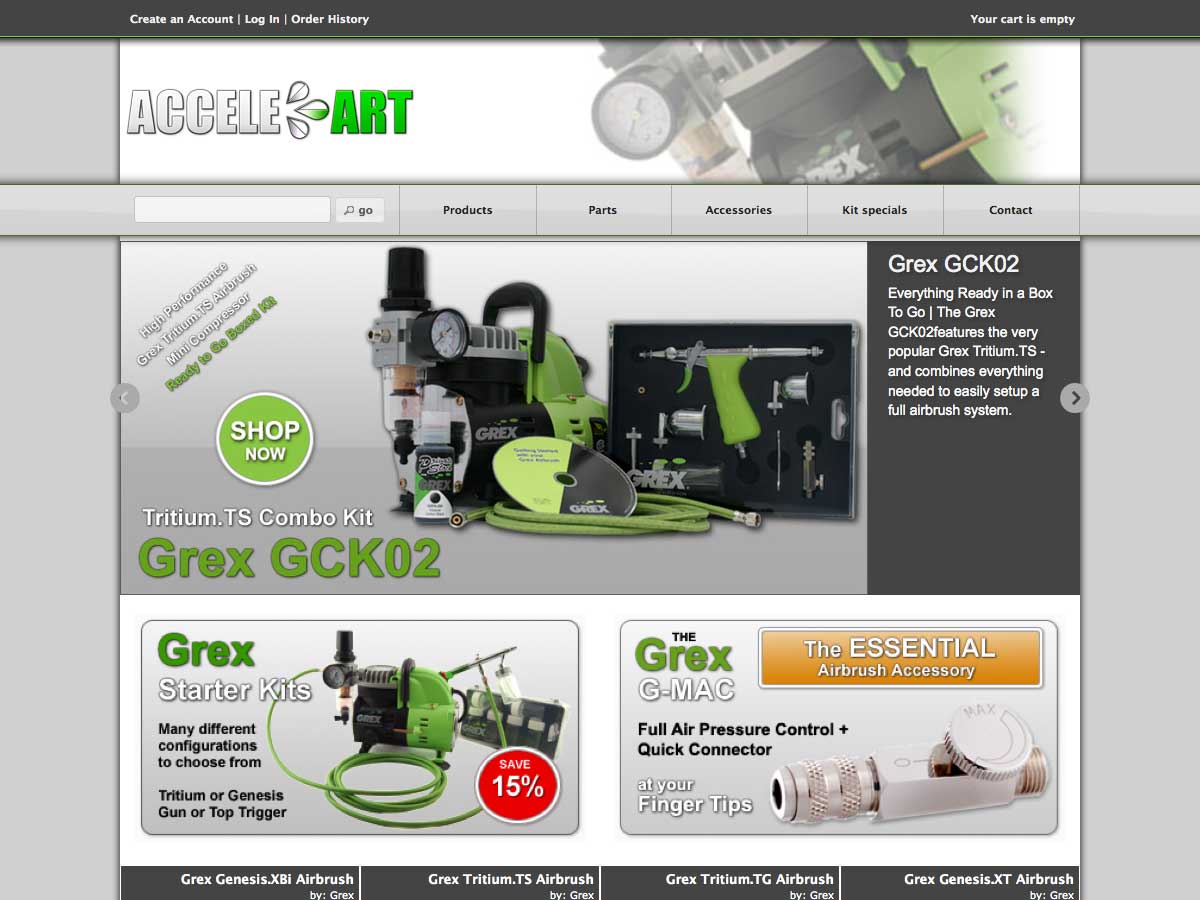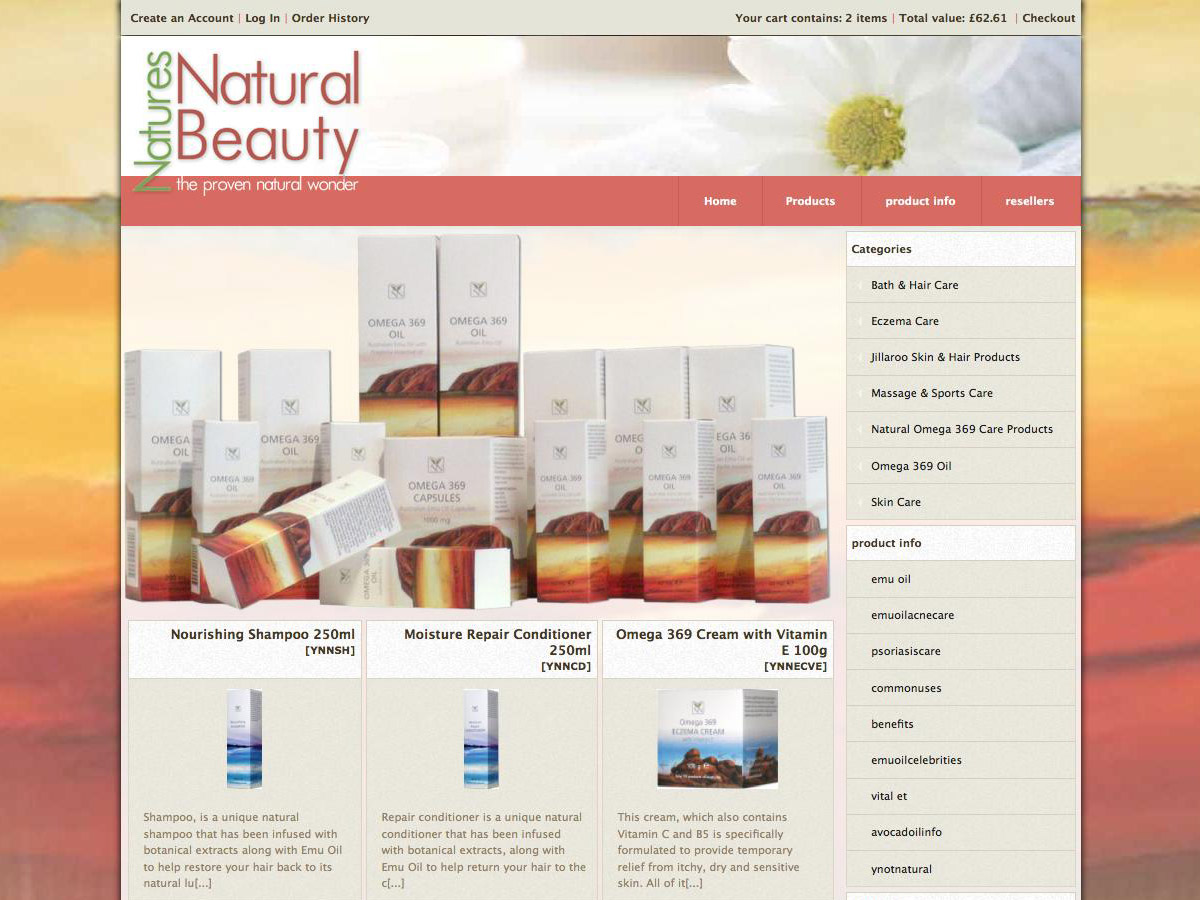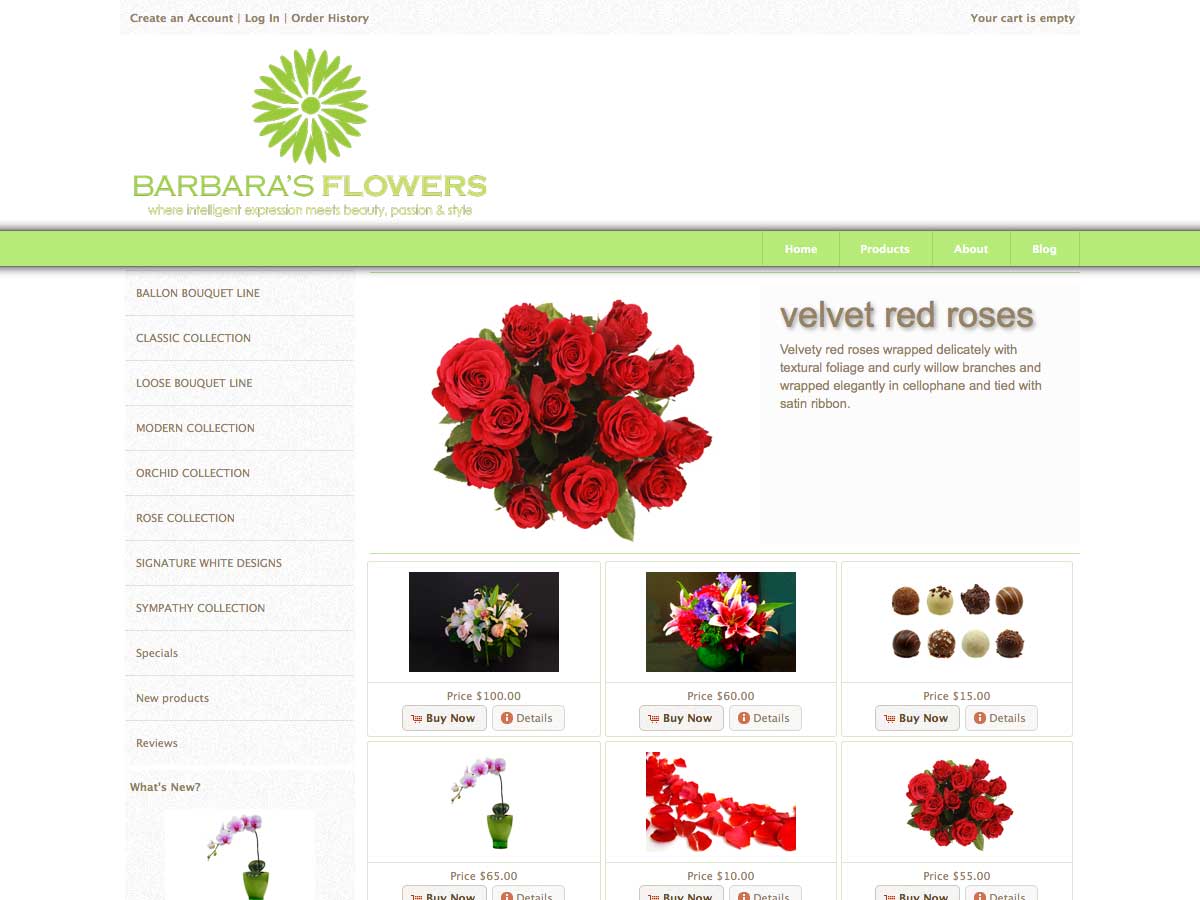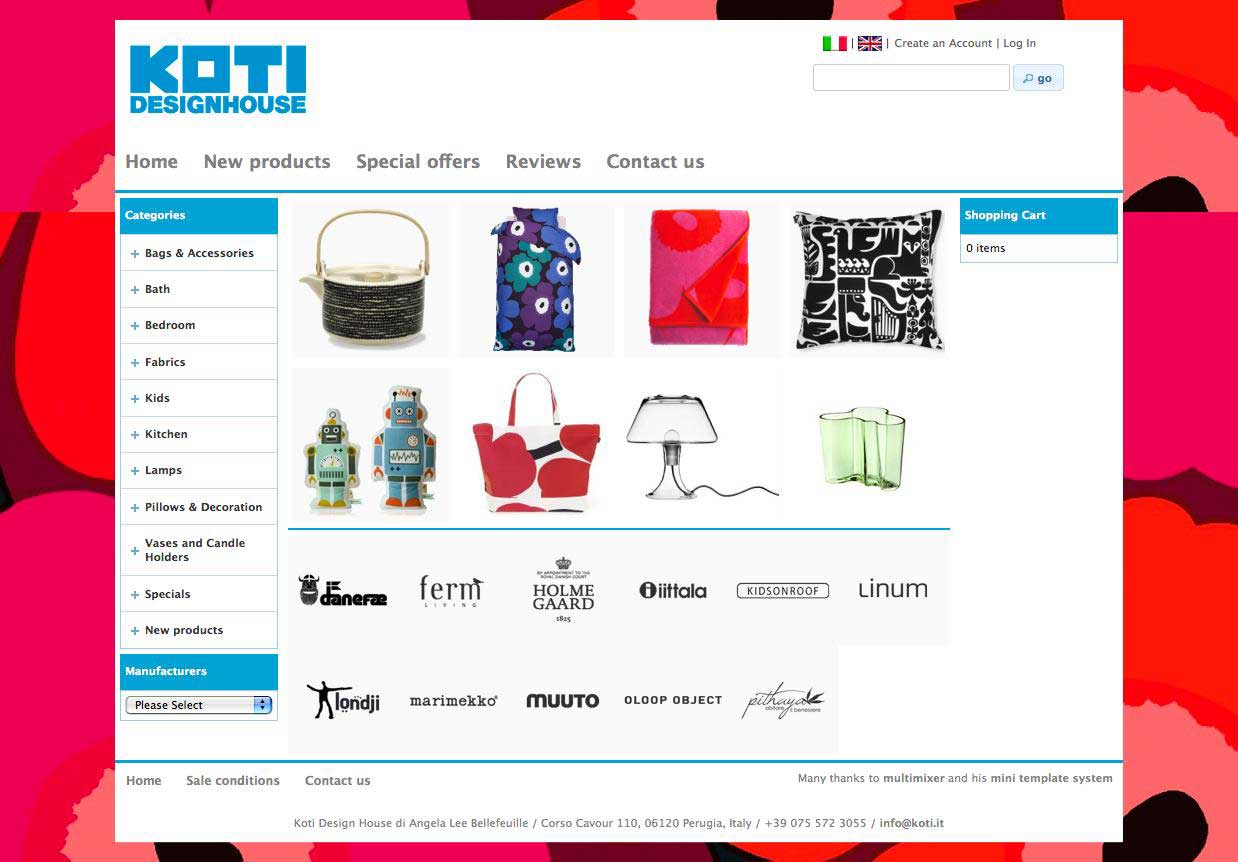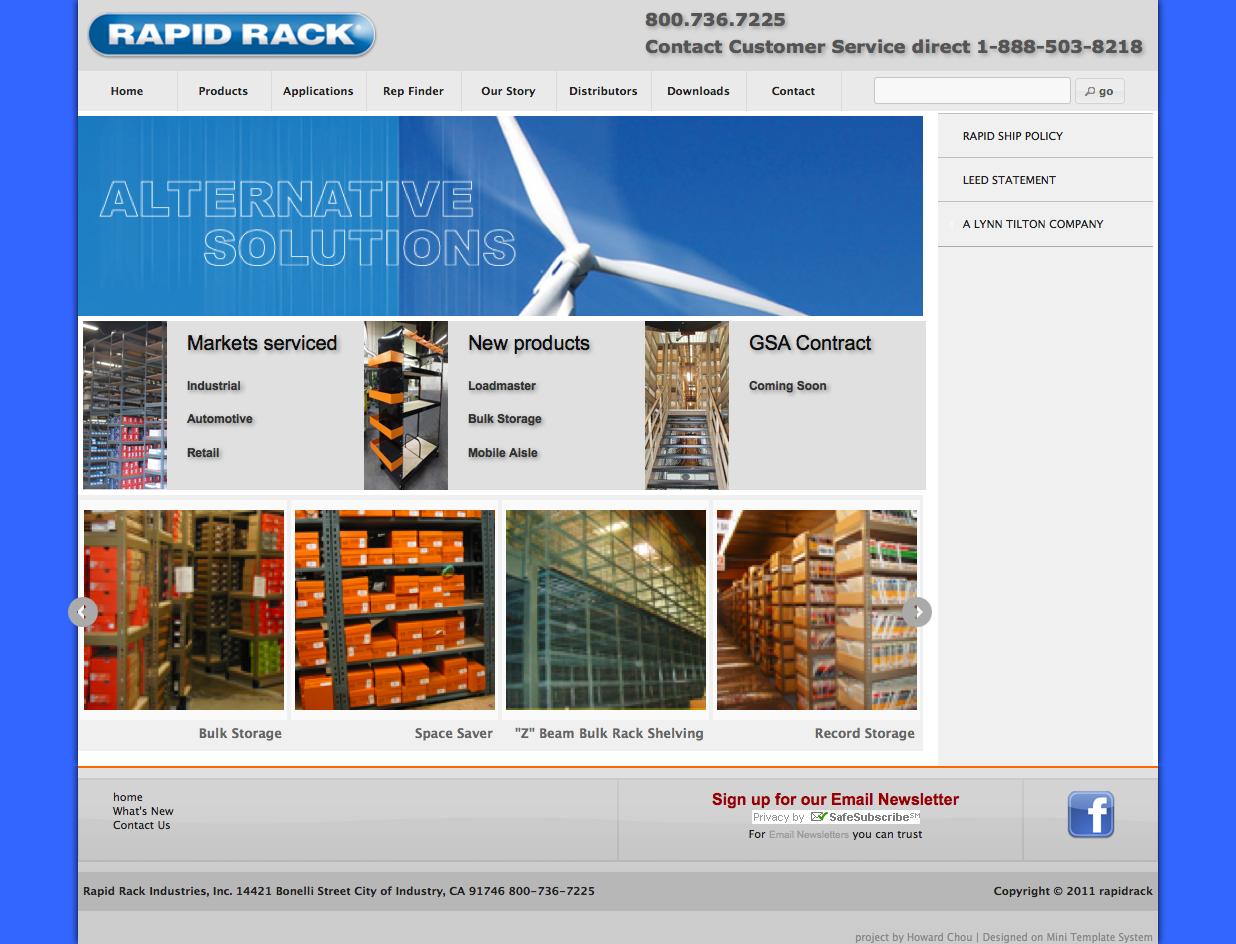
The front page manager will turn your store’s front page into a modular and easy to configure area. You will learn here how to use it.
The default front page content consist in osCommerce of a so called “customer greeting” and the “new products module” that list the last added products. The front page manager replace this all by several modules. In other words: The store’s front page becomes totally modular and configurable in the admin panel: You can setup the front page to display images, banners, categories or products in any order and with various display options
Following modules are available: banner modules, categories module, and product modules for new products, bestsellers and specials. Each module can be configured in various ways and new modules can be added easily on request
Install a front page module
The process to install a front page module is exactly the same like installing an osCommerce “box”. All you have to do is to go to the “mini template system” area of your administration panel, click on “front page” and then click the “install” button in the top right corner of the page. Choose any of the modules and then click “install” again.

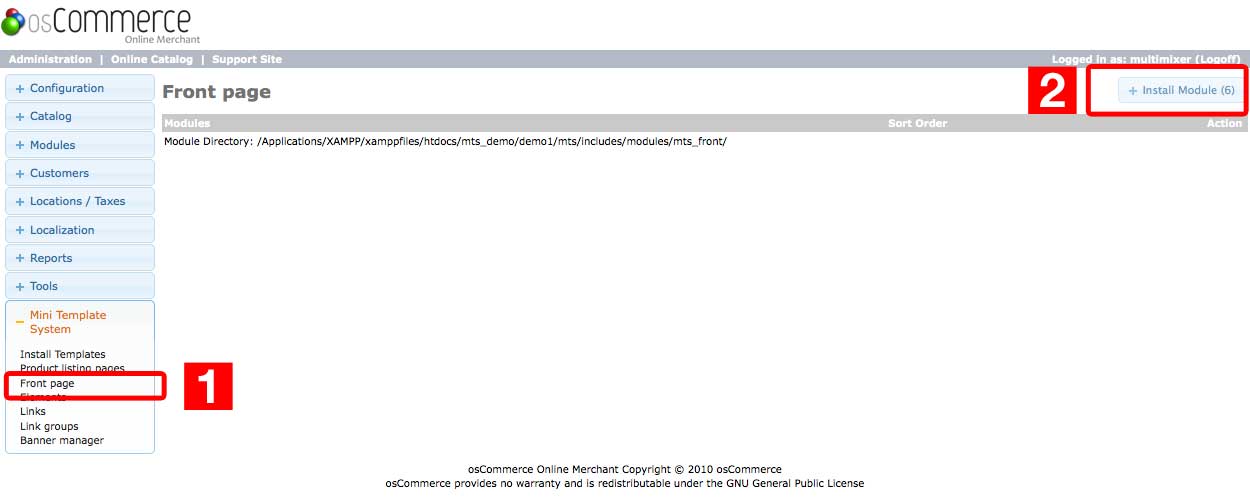
Please make sure that before doing this, you have the banner manager already installed.
After a front page module is correctly installed, you can start to configure it. To install more modules, just repeat the installation process for each module you want to install
Configure the front page modules
Configuring the front page modules means to make decisions about the content, the positioning, the display type, the layout and finally about the text and background colors.
To start with the configuration of each front page module please press on “edit” on the right hand panel for the module you want to edit
Slider settings are same for all modules, you can review the configuration options here